
We’re very happy to share that the official GoFullPage extension has been restored to the Chrome Web Store! We’re also excited to announce that GoFullPage is now available on Firefox, in addition to our official Chrome and Edge extensions. See below log of updates for more information about this incident. As a reminder, the recent […]
Category: Announcements
We have some positive updates on the temporary removal of GoFullPage from the Chrome Web Store. As we shared earlier, GoFullPage was removed due to a copyright-related issue. This was definitively not a security issue with GoFullPage. We are working day and night on a resolution, and unfortunately don’t have a firm timeline for restoration […]
Categories
GoFullPage Chrome Update
GoFullPage was temporarily removed from the Chrome Web Store due to a copyright-related issue. We believe the removal was in error and are working with Google to have GoFullPage restored. Unfortunately, Chrome also removed GoFullPage from some users’ browsers. This was not a security issue with GoFullPage. Temporary access We have found a temporary way […]

Certifications are a great way to show your competency with a specialized tool—in this case, GoFullPage and its full featureset!

McAfee recently published a blog post about bad actors among browser extensions—here’s why we’re different

Some menu options have moved (and we now support new timestamp formats)
Categories
Improved cropping is here
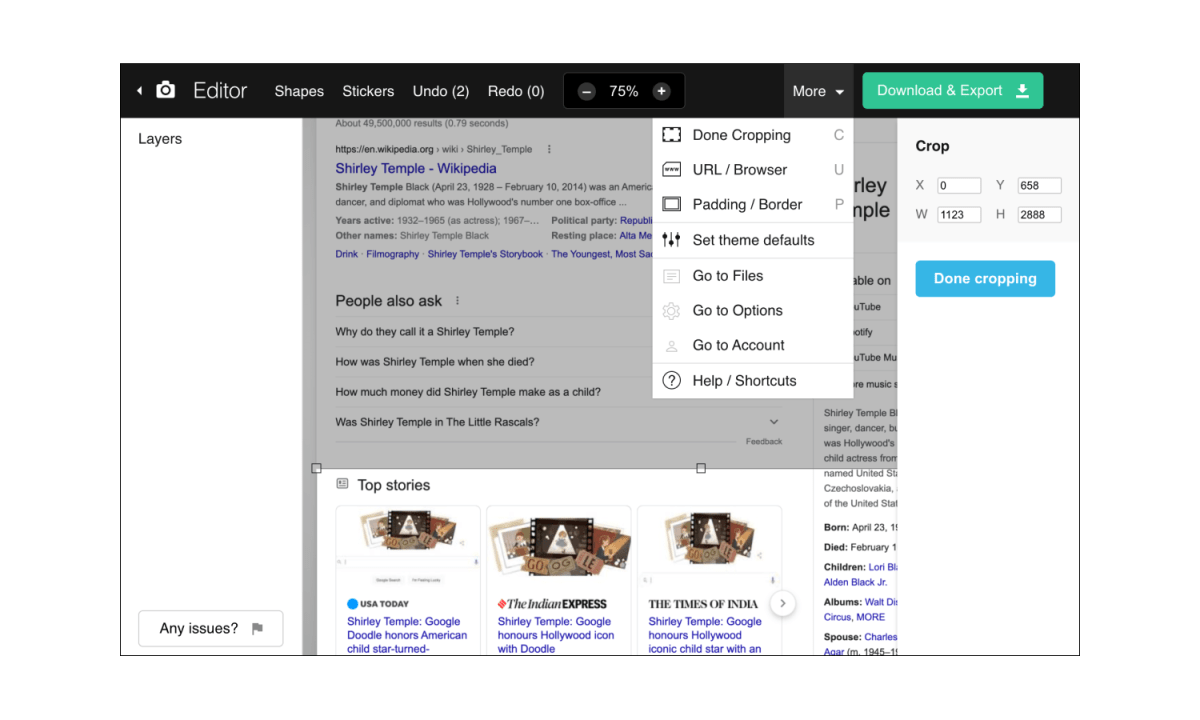
Our cropping tool will now move with the scroll of the page—a much improved experience for those long screenshots!
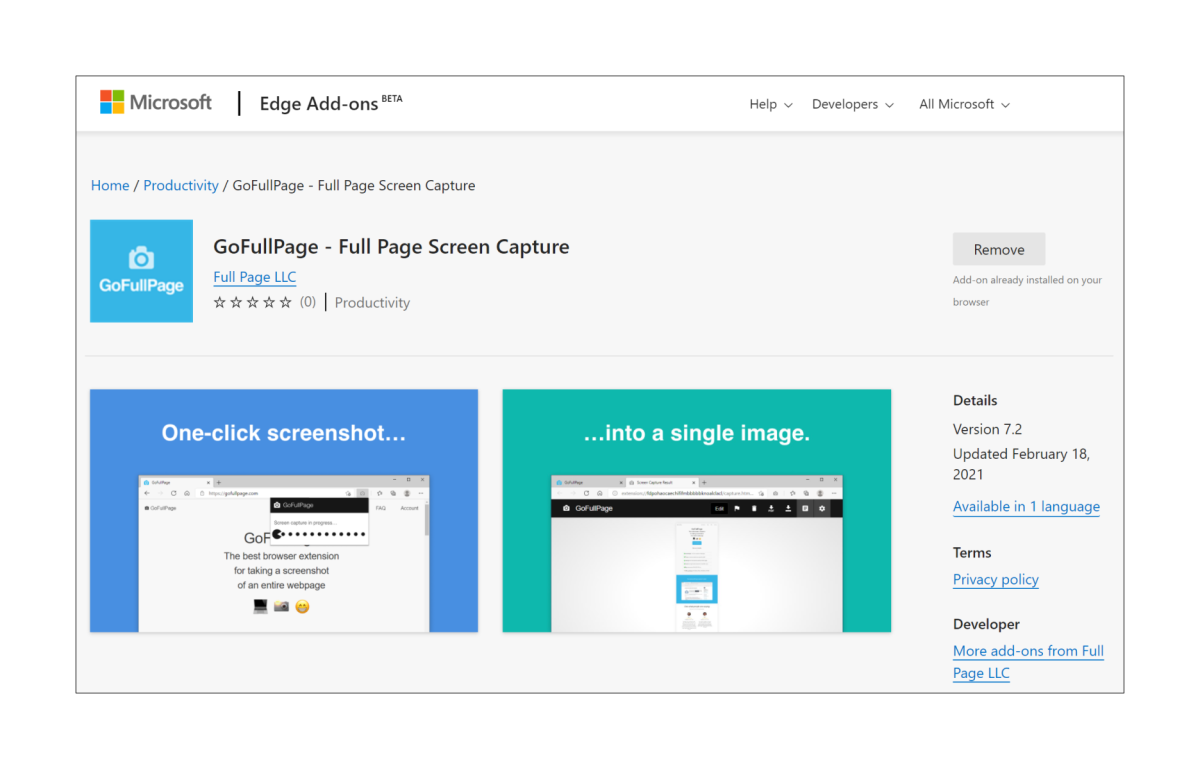
You asked, we listened!
Categories
What is GoFullPage?

Getting Started with GoFullPage
Categories
Introducing GoFullPage

We are moving on from the name Full Page Screen Capture, and will now be operating as GoFullPage! In 2012, I was looking for a way to take a pixel-perfect screenshot of an entire webpage, specifically for a site that was too long and wide for a simple printscreen screenshot of my viewport. I quickly […]

